A selfie point earns attention when people instantly understand where to stand, what to do, and why the resulting photograph is worth sharing. By the end, you can judge the visual concept, camera zone, lighting, accessibility, format, operating demands, and measurement plan before approving fabrication.
Key takeaways
- Use one clear focal subject with strong colour contrast and layered depth.
- Leave a camera zone wide enough for phones, groups, and different heights.
- Add a simple visual cue that explains the photo without staff assistance.
- Track tagged posts, scan traffic, and repeat visits after installation.
Build a Composition That Works Through a Phone Camera
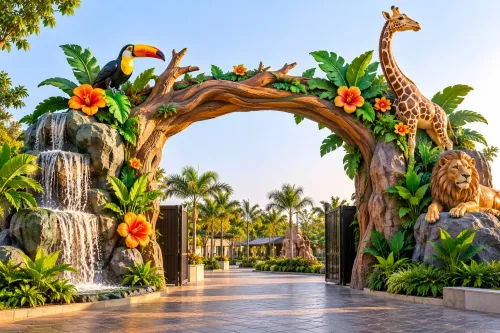
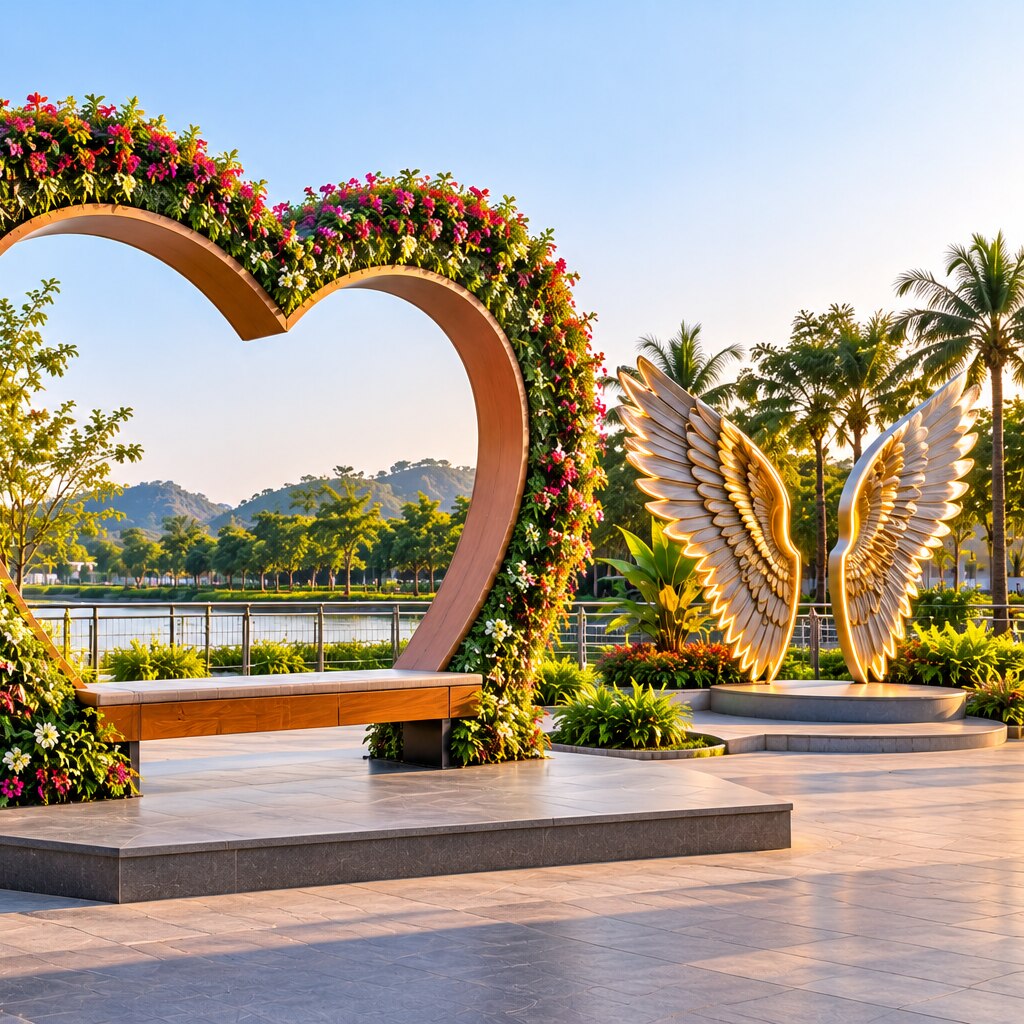
A selfie point looks attractive in a visitor’s phone photograph when it has a clear focal subject, colour contrast, recognisable shapes, and layered depth. Use an oversized frame, portal, dimensional lettering, perspective effect, local motif, or interactive prop—not just a logo wall. The cue should make sense without staff explanation from the audience side.
Place the principal graphic 1.5–2 m from the normal standing zone, then test it through portrait and landscape phone cameras. Keep the logo or event name inside the natural frame at that distance, without forcing face cropping or wide-angle distortion. Check the composition from slightly off-axis and at child and adult eye levels in testing.
Give faces soft front light; harsh backlighting turns people into silhouettes. Control reflections on acrylic with angled surfaces, matte finishes, and a test under venue lighting. Leave readable space around heads and shoulders, and ensure the background remains legible when several people share the frame.
Outdoor versions need daylight and evening checks before opening the venue.
Design the Camera Zone for People, Phones, and Different Heights
Give the ideal camera zone a clear, unobstructed standing area 1.5–2 m in front of the main graphic or prop. Test that distance with the phone models visitors actually use: a narrow lens may crop a group, while a wide lens can distort faces at the edges.
Raise or lower visual elements so children, wheelchair users, and taller adults can include themselves without crouching or stepping outside the composition. Build depth into the prop, but keep the logo, event name, or sponsor lock-up visible from the normal standing line rather than placing it above people’s heads.
Check the camera zone from more than one angle:
- Leave enough width for a single portrait photo and a wider group shot.
- Keep the principal face or interaction point readable in both portrait and landscape photos.
- Mark a short entry path, waiting line, and exit route so one group does not block the next.
- Preserve a clear sightline for people waiting; the queue can become a second viewing area.
Use front lighting on faces, not a bright light behind the installation. Strong backlighting creates silhouettes, while bare fixtures can produce harsh shadows and shiny reflections on acrylic. Aim LED lights evenly across the shooting area, then record short phone videos to check visible flicker and confirm that brand colours remain accurate indoors and outdoors.
Place interactive controls at two usable heights and keep the action simple: touch, turn, step in, or pose. If visitors need instructions, put them beside the camera zone, not across the photo background.
Turn a Good Photograph into a Shareable Brand Moment
Make the brand part of the photograph, not a plaque beside it. Integrate the logo, event name, or sponsor lock-up into the prop, frame, floor graphic, or central artwork so it remains visible at a normal shooting distance without forcing visitors to crop faces or switch to a wide-angle lens.
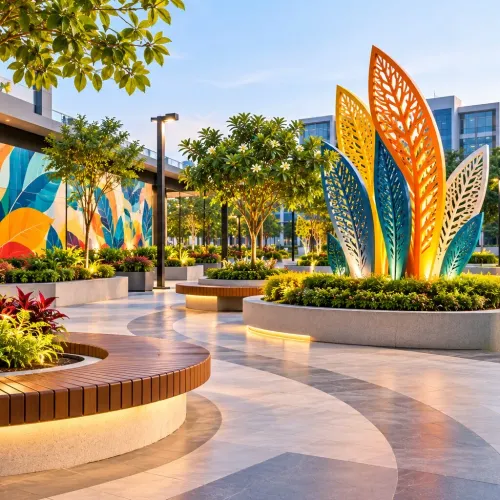
Build around one memorable visual hook: an oversized object, bold silhouette, unexpected texture, or recognisable local reference. Keep supporting graphics quieter so the person remains the subject and the brand is noticed as part of the scene rather than as an advertisement board.
Place the branded hashtag and account tag where visitors can read them after taking the picture, such as on a side panel or lower edge that stays inside a portrait frame.
Use a short hashtag that is easy to spell, and set the correct geolocation for the venue so visitors can add it with one tap.
A small prompt can complete the action: “Tag your photo,” “Use #BrandMoment,” or “Check in here.” Avoid covering the artwork with several instructions.
Keep sharing voluntary and define consent before the installation opens. Do not encourage visitors to photograph identifiable children or bystanders without permission, and provide a clear way to request removal of reposted content.
The queue area should also face the branded surface, giving waiting visitors a reason to watch, take their turn, and remember the tag.
Choose the Right Selfie-Point Format for the Venue
A mall with steady indoor footfall can use a printed backdrop, while a festival lawn needs a structure that survives wind, dust, and repeated touching. Choose the format from visitor behaviour, available space, installation time, and how long the display must remain present.
| Option | Best fit | Main trade-off |
|---|---|---|
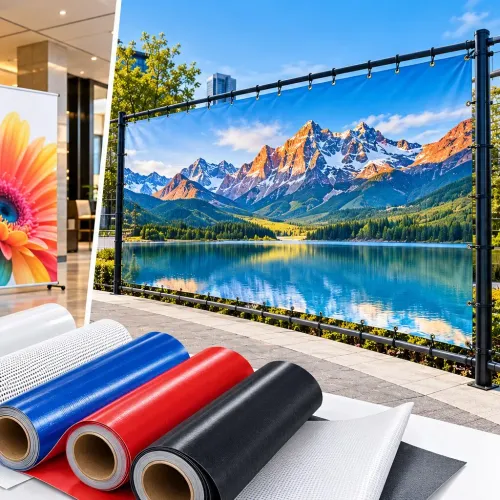
| printed backdrop | Budget-conscious indoor campaigns, queues, launches, and portrait photos | Fast and economical, but creases, glare, fading, or poor edge finishing reduce quality |
| acrylic or LED sign | Retail entrances, cafés, and compact locations needing a clear brand cue | Visible at night and easy to recognise, but power, reflections, cable protection, and heat need checking |
| 3D fabricated installation | Malls, exhibitions, and destinations where visitors will pose with a recognisable object | Strong depth and interaction, but costs more, needs floor space, anchoring, and impact-resistant construction |
| projection | Short events, dark indoor rooms, and changing themes | Flexible visuals without permanent printing, but ambient light, projector alignment, power, and operating staff affect results |
| mural | Permanent venues, campuses, cafés, and outdoor walls with a stable surface | Durable and distinctive, but requires permission, surface preparation, weatherproof paint, and skilled execution |
| temporary display | Pop-ups, seasonal promotions, and venues that prohibit fixed alterations | Quick to remove and reuse, but joints, bases, and graphics must withstand assembly and handling |
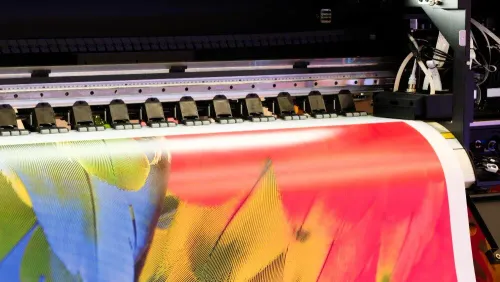
Keep the camera zone about 1.5–2 metres from the main graphic, then test portrait and landscape shots on the phones visitors actually use. SHUBH AD'S Pvt Ltd can help compare printed graphics, illuminated signage, and fabricated elements before production, including cable routes and mounting points.
For Nagpur exteriors, specify UV-resistant ink, sealed edges, protected fixings, and materials rated for heat, dust, and monsoon rain. A cheap format becomes expensive when it fades, warps, delaminates, or needs replacement mid-campaign.
Protect the Experience After Installation and Measure Its Value
Plan the selfie point as an operating installation, not a finished prop. Before opening, check the structure, power, visitor route, cleaning method, consent process, and reporting window.
- Secure freestanding frames against pushing, leaning, climbing, and wind; assess ballast, anchoring, base width, and cantilevered parts under applicable Indian structural provisions.
- Protect LED strips, illuminated letters, fans, chargers, and triggers with cable management, separate circuits where required, heat dissipation, safe isolation, and weather resistance.
- Keep the approach level and unobstructed, provide a camera position usable by wheelchair users and children, and avoid props that narrow the route or create a trip edge.
- Test the actual portrait and landscape camera positions, including the 1.5–2 metre standing zone, before approving the final layout.
Use scuff-resistant surfaces and a written inspection schedule. Staff should check loose fixings, damaged cables, sharp edges, faded graphics, dirty lenses, and failed lighting at opening and after busy periods. Outdoor units need checks after rain and high wind, not just at the start of the campaign.
Set content moderation rules before the first post appears. Decide whether staff may repost visitor images, how consent is recorded, how identifiable children and bystanders are handled, and how someone requests removal or avoids appearing in content.
Measure value using a fixed time window and platform data, not a printed hashtag alone. Report tagged posts, mentions, reach, saves, video views, QR scans, approved content reuse, and cost per usable piece of content; record the venue, date range, and source for every figure.
Frequently asked questions
What makes a selfie point photograph well on a phone?
A clear focal subject, colour contrast, recognisable shapes, and layered depth help the installation read in a phone photograph. Oversized frames, portals, dimensional lettering, perspective effects, local motifs, and interactive props create stronger images than a logo wall alone.
How should a selfie point accommodate visitors and phones?
Design a clear camera zone with enough space for visitors to stand back, include groups, and frame the installation at different heights. Keep the main subject visible from the expected shooting position and avoid details that disappear at phone-camera distance.
How can a selfie point become a shareable brand moment?
Give visitors a simple visual cue, connect the scene to the brand or venue, and make the result recognisable without staff explanation. A memorable prop, local reference, branded shape, or perspective effect can encourage visitors to share the photograph.
How do you choose a selfie-point format for a venue?
Match the format to available space, visitor movement, viewing distance, lighting, and the type of photographs people take there. Consider an oversized frame, portal, dimensional lettering, perspective installation, local motif, or interactive prop instead of defaulting to a logo wall.